

Setup Webhook
Learn how to set up a new webhook endpoint in your Fansly Developer Console.
Create a Webhook
This guide will walk you through the process of setting up a new webhook for your Fansly API integration using the Developer Console.
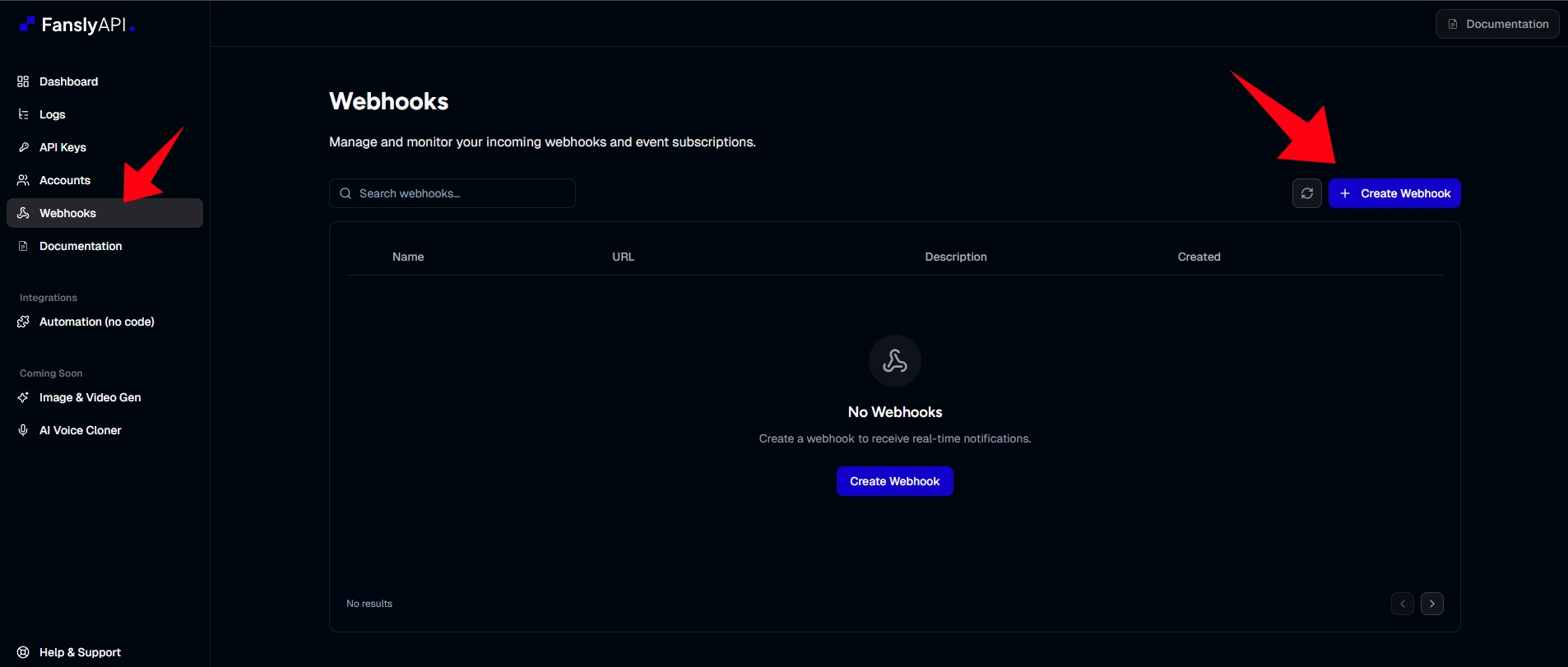
Step 1: Access the Webhooks Page
Navigate to https://app.apifansly.com/webhooks to view your current webhooks and add new ones.
Step 2: Create New Webhook
Click the Create Webhook button. In the configuration form, specify the following details:
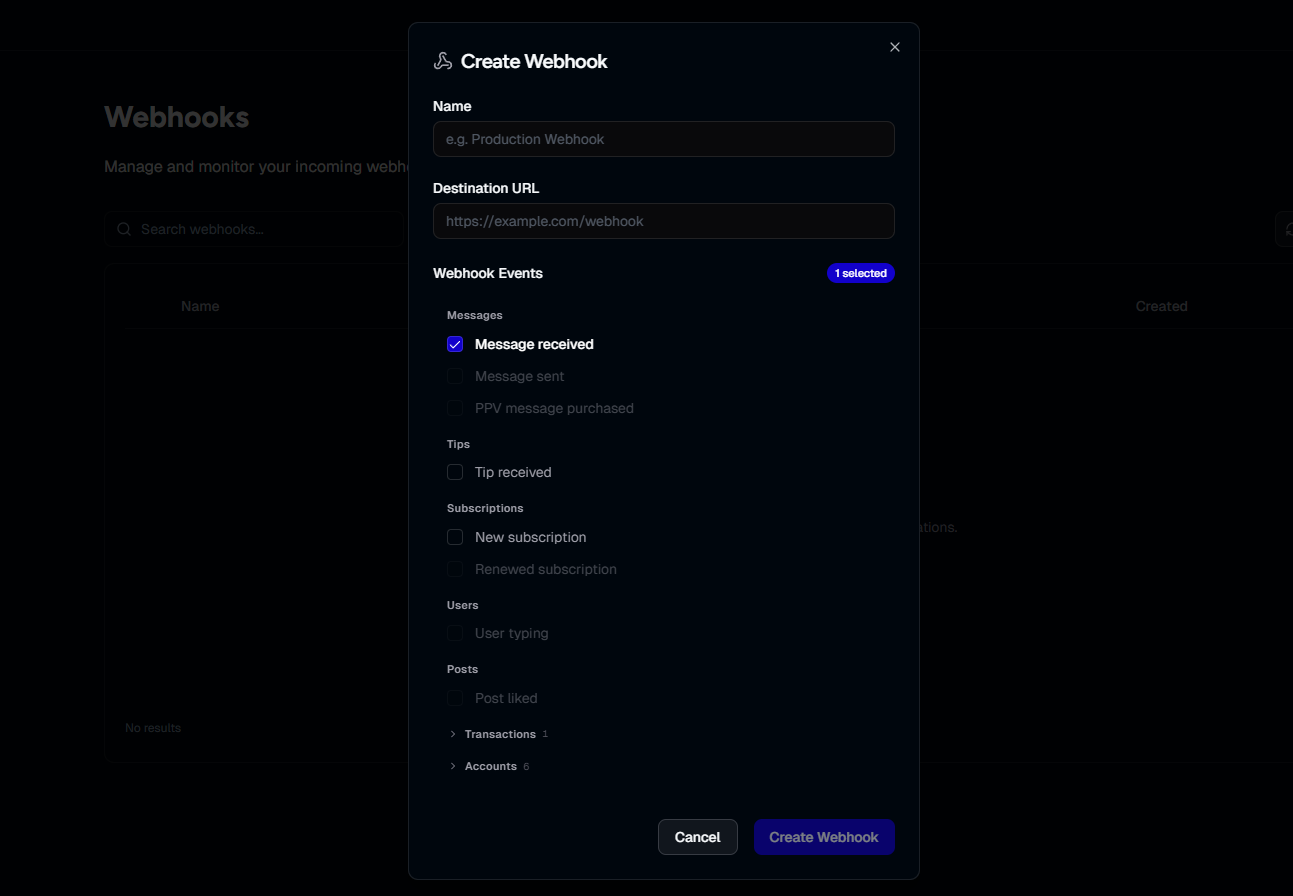
Step 3: Configure Webhook
- Endpoint URL: The secure (HTTPS) URL on your server where the Fansly API will deliver event payloads via
POSTrequests. - Events Requirements: Select the specific events you wish to subscribe to from the provided list. Supported events currently include new messages, new subscriptions, and new tips.
Step 4: Secure Your Webhook
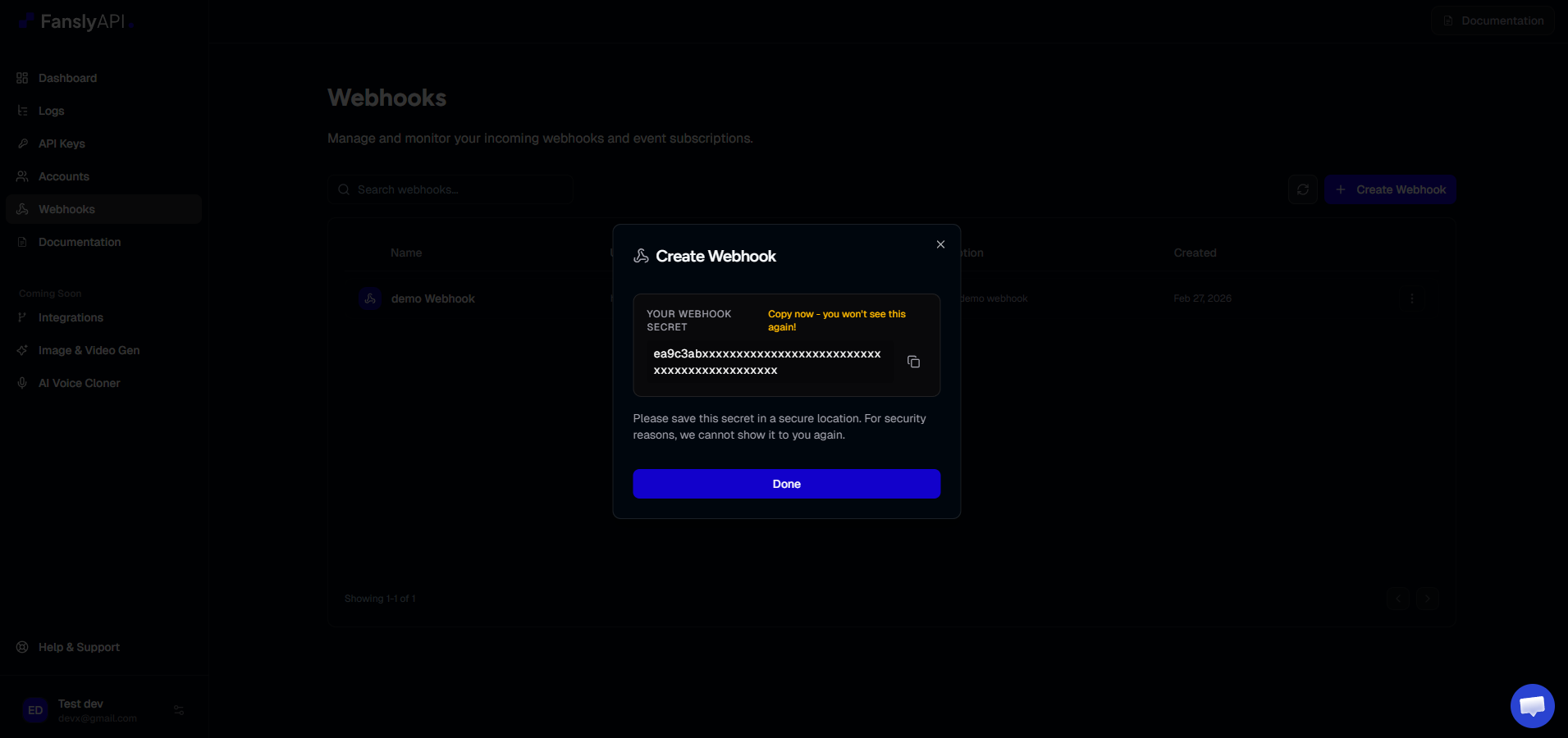
Upon creation, you will receive a Signing Secret.
Store Your Secret Securely
store your signing secret securely (e.g., in environment variables). This secret is required to verify that incoming webhook requests originate from the Fansly API.
Step 5: Verify Your Endpoint (Recommended)
go to your test account and send a test message to your creator account. the webhook should be triggered and you should receive a response from the webhook.