

Make.com & Fansly automation
Connect Fansly API to Make.com and build automated visual workflows with no code.
Make.com (formerly Integromat) is a powerful no-code visual automation builder. With the Fansly API, you can use Make to trigger workflows based on real-time events. like new messages, new subscriptions, or tips. and connect them to thousands of other apps.
Getting Started

Connecting Fansly API to Make.com
Go to Make app scenarios
Go to the Scenarios page in Make.com, click on the relevant scenario, or click on "Create a new scenario".
Add the Fansly API app
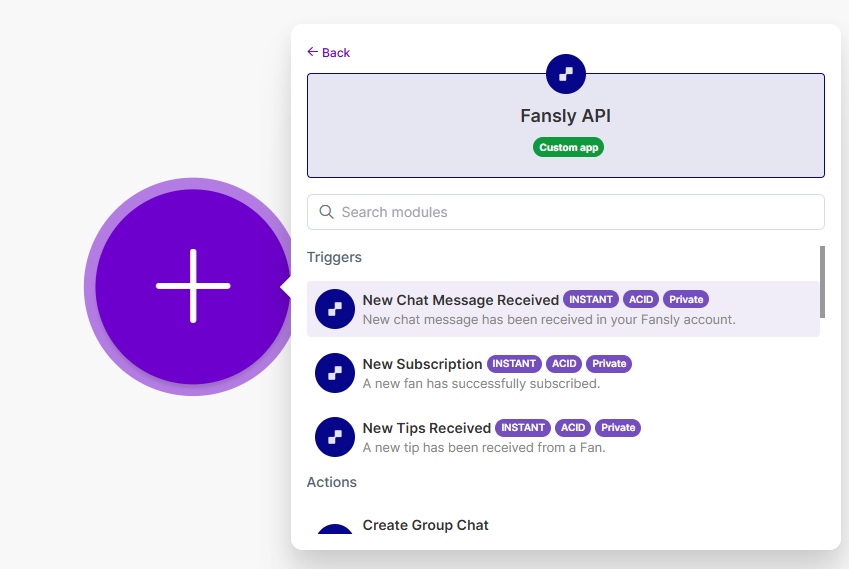
Click on the "+" button to add an app, and search for "Fansly API".

Select or search for a module
Choose the trigger or action you want to use for your automation.
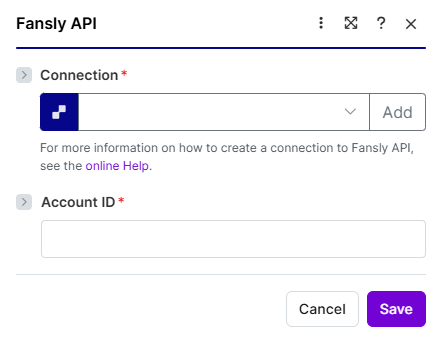
Add API connection
To create a connection, you will need to provide your Fansly API key. Follow these steps to generate one:
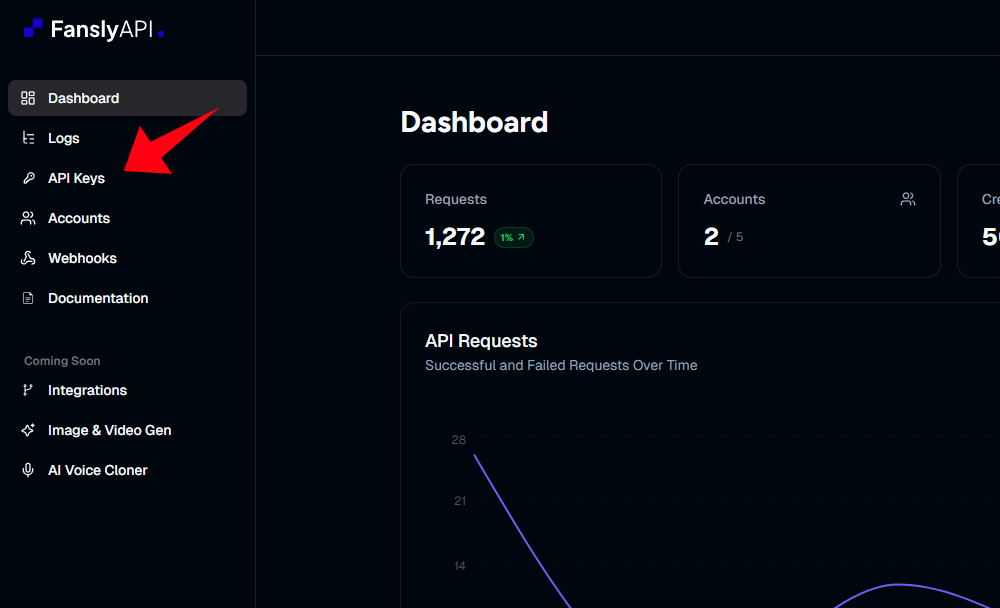
- Head to your Fansly API console at app.apifansly.com.
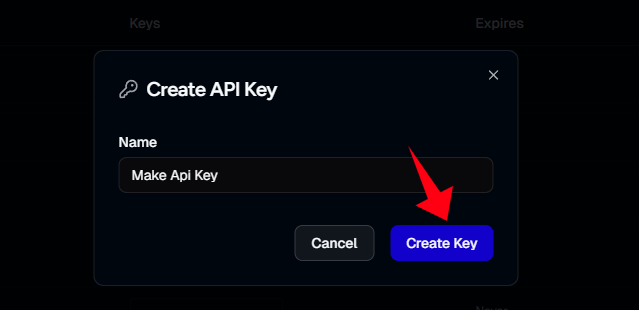
- Click on Create API Key
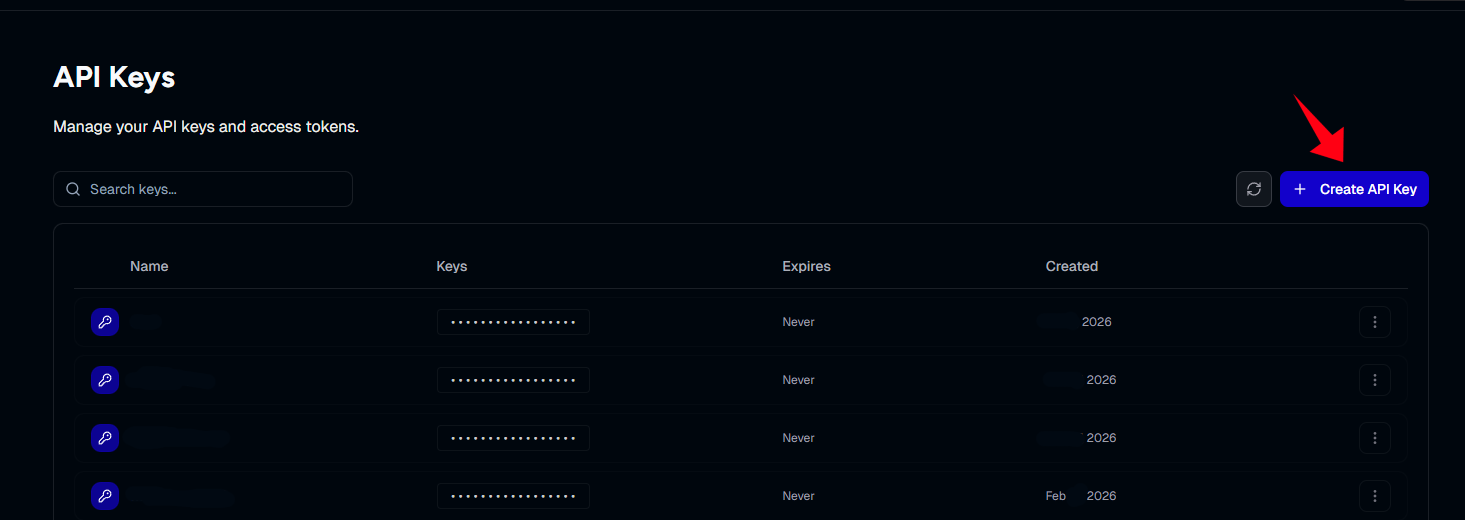
- Give your key a recognizable name and click Create key
- Copy the generated API key.
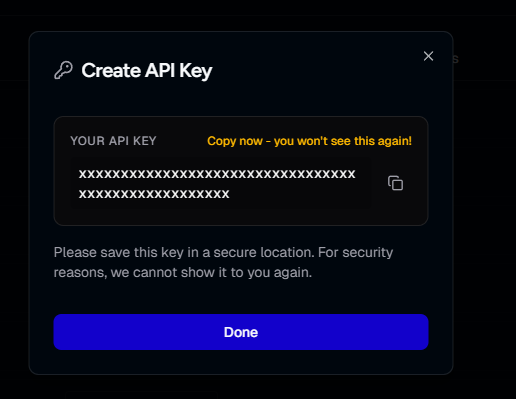
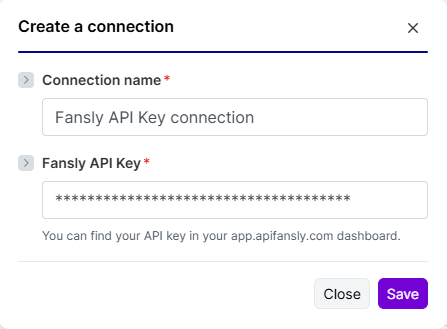
Paste the API key into Make.com
Paste the key into the connection settings in Make.com and click Save.
You're all set
And that's it, you can now use Fansly API in Make.com